App Update Problems, Junglee Rummy
App update problems explained for junglee rummy: step-by-step, with the details most guides leave out.
What is App Update Problems?
App update problems on Junglee Rummy refer to failures that occur when your device cannot download or install a newer version of the Junglee Rummy APK. Because the app is distributed directly from Junglee Rummy's official website rather than the Google Play Store, every update requires a manual APK download, which introduces device-side risks that a Play Store update skips entirely.
The most common error types are: a version-mismatch banner that blocks gameplay, an APK that downloads but throws a "Parse error" or "App not installed" message on launch, and an update loop where the prompt reappears every session despite a seemingly successful install. Each has a distinct cause and a distinct fix.
Junglee Rummy pushes mandatory updates before major tournaments and new game-mode releases. An unresolved update error locks you out of cash games and sit-and-go tables until the correct build is running on your device, so diagnosing the root cause quickly is essential.
App Update Problems for New Players
New players on Junglee Rummy encounter update errors most often because they installed the APK from a cached or third-party link that is already one or more builds behind the current server version. The moment you register, the app checks your build number against the server. Even a minor version gap triggers a mandatory update wall before your first hand is dealt.
The cleanest fix is to uninstall the existing app fully, visit jungleerummyapp.org directly on a stable Wi-Fi connection, and download a fresh APK. Do not install over the old version, residual cache from the previous build is the most frequent reason the update prompt persists after a reinstall.
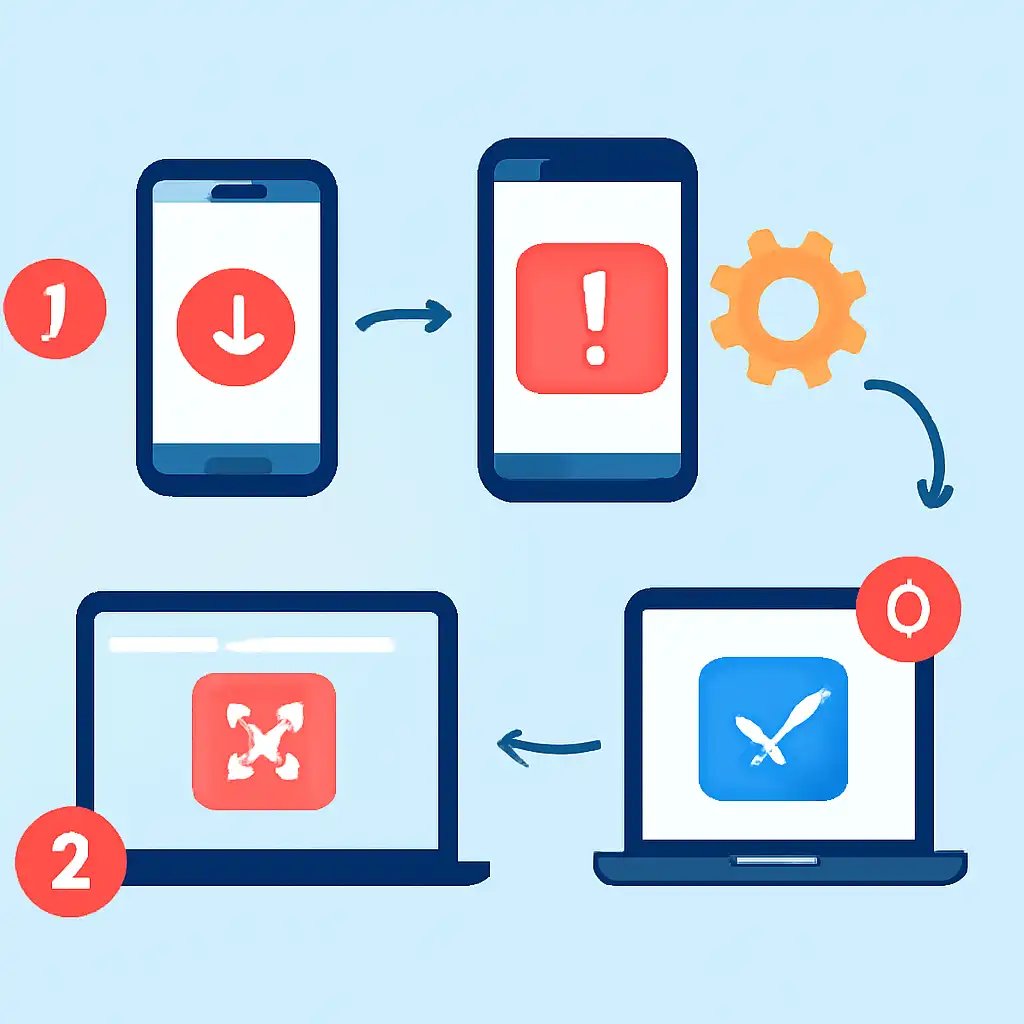
Also confirm that your browser has the "Install Unknown Apps" permission enabled under Settings → Apps → [Browser Name] → Install Unknown Apps. On Android 8 and above this permission is app-specific, meaning granting it in the past does not carry over if you switch browsers or clear app data.
App Update Problems on Mobile
On Android devices, Junglee Rummy update problems usually trace back to three hardware or OS-level constraints: insufficient free storage, an aggressive battery-saver mode that kills background downloads, or a manufacturer security policy that flags sideloaded APKs as unsafe. Samsung and Xiaomi devices in particular apply extra APK-scanning layers that can stall or silently block installation.
Free at least 300 MB of internal storage before starting any update download. APK files are written to the Downloads folder and then extracted during install, the device needs headroom for both steps. If your download completes but installation fails immediately, low storage is the most likely culprit even when your phone reports adequate space.
Disable battery-saver and data-saver modes before downloading. Both modes can throttle speeds to the point where the server times out the connection, producing a corrupt partial file. Once the new APK installs successfully you can re-enable these settings without affecting normal gameplay.